Definition:
The Connectivity States in Smartlink provide information on the machine’s connectivity status.
Types: Smartlink defines four possible connectivity states that describe the current status of the upload device.
These states are as listed:
1. Online
2. Offline
3. SIM Suspended
4. No upload device
These states are explained below:
1. Online: (Connected)
A connected upload device that is transmitting data generally implies that a heartbeat signal has been received within the last hour, confirming that the system is functioning and communicating properly. 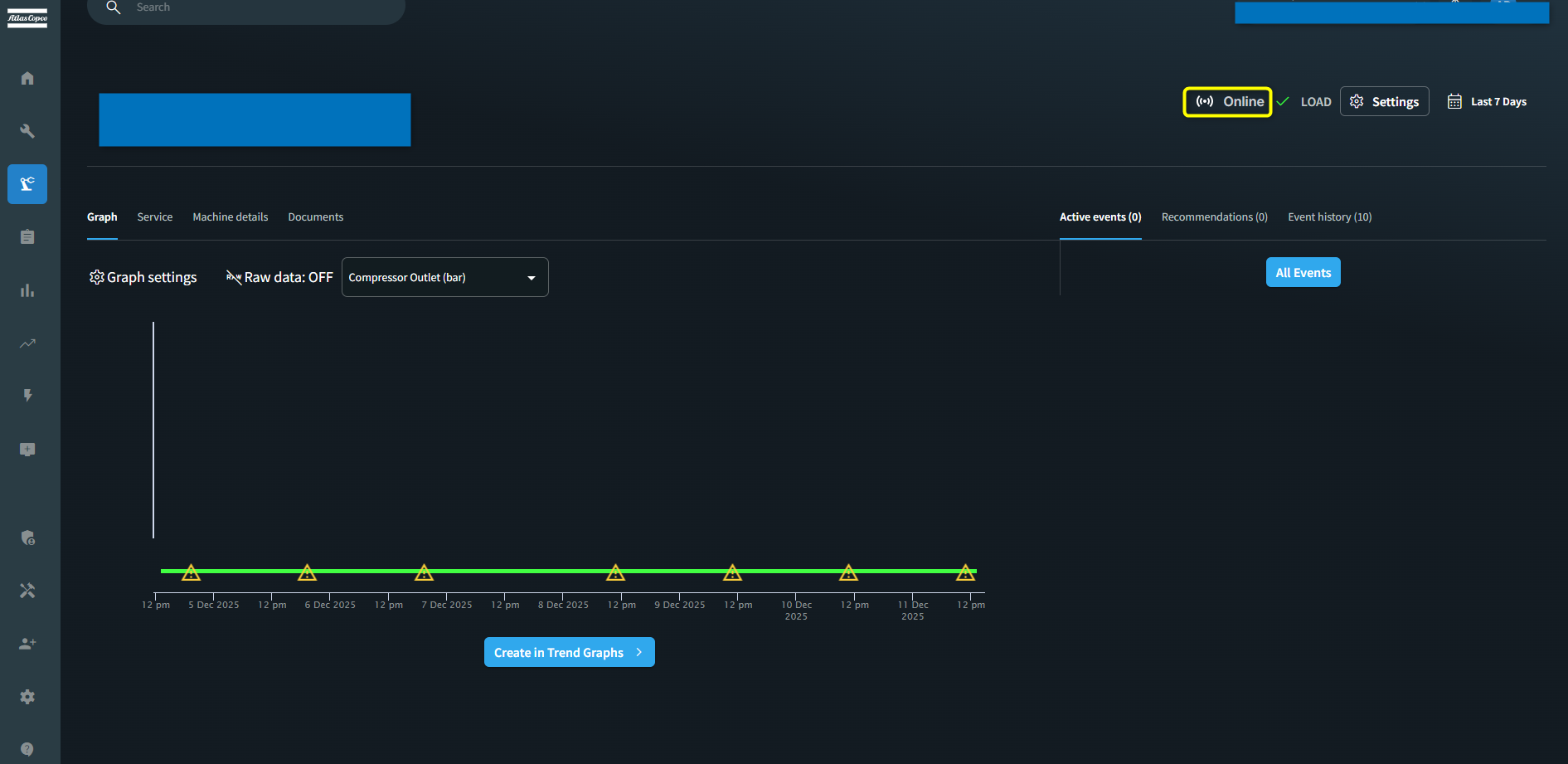
2. Offline: (Disconnected)
When no data is being uploaded from the machine, this condition may occur due to the following reasons:
i. Cable Disconnected: The communication between the machine and the upload device is lost. As a result, the upload device is unable to receive data from the machine.
ii. Communication Lost: The communication between the upload device and the cloud was lost. In this state, no heartbeat signals are received, indicating that the device is not transmitting data to the cloud.
NOTE: If no connectivity data has been uploaded yet, the state will be displayed as Offline. 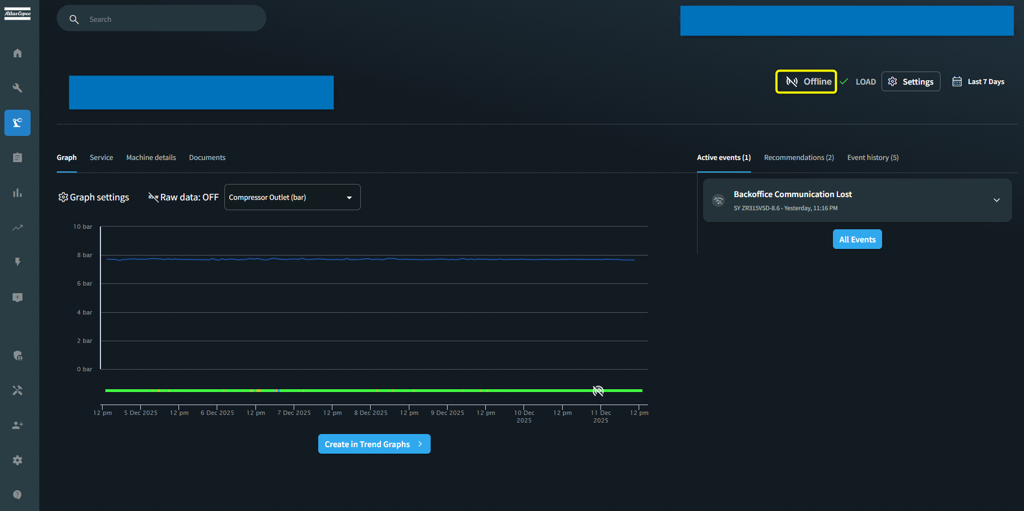
3. SIM Suspended:
The communication between the upload device and the cloud was suspended manually, generally
because the upload device is exhibiting erratic behavior and uploading too much data. 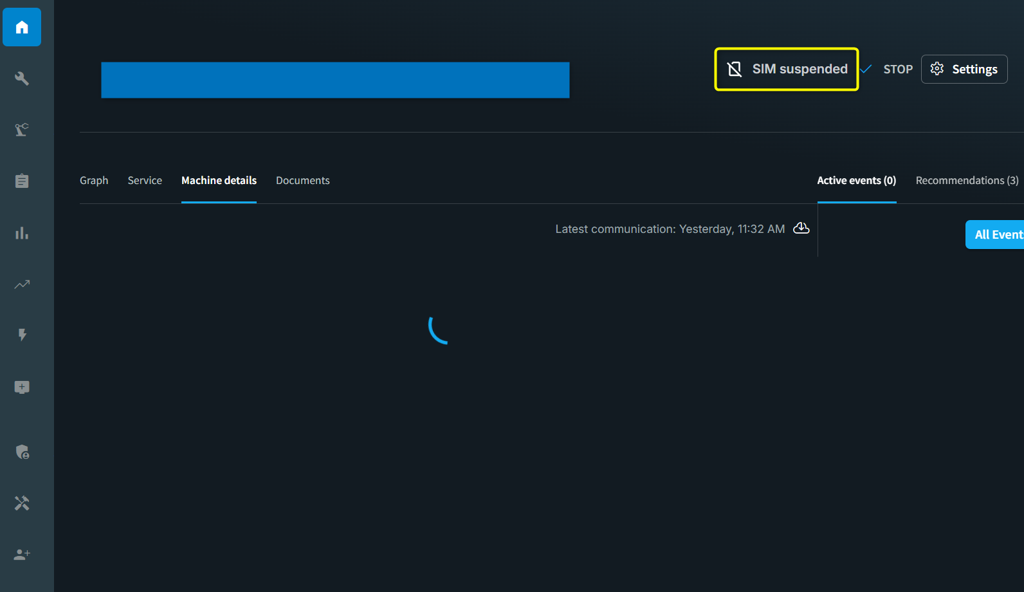
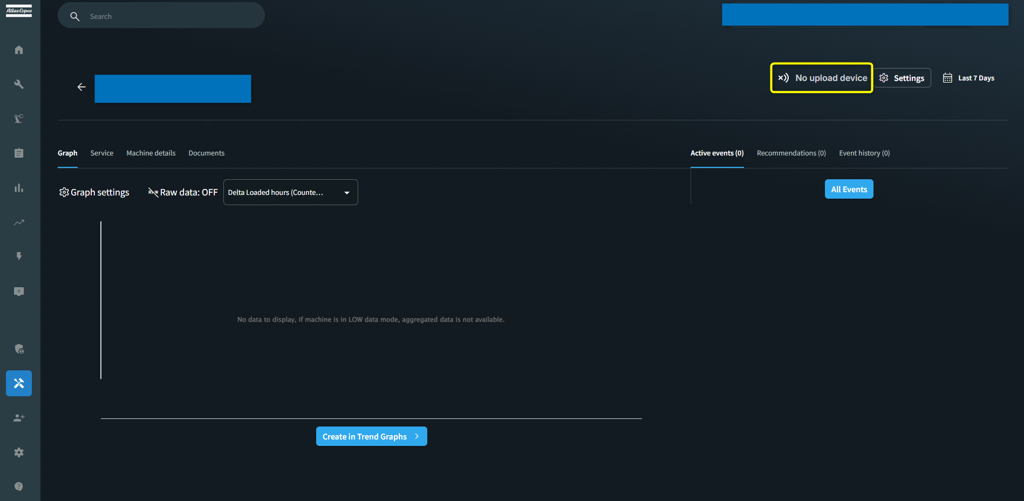
4. No upload device: The machine is not equipped with a communication device (i.e. unfitted machine), and therefore no data can be uploaded.