
Release date (Global): May 6. 2026
Release date (China): May 5. 2026
Overview
We are excited to announce the release of Smartlink version 3.51, available as of release dates mentioned above. This update brings new features, bug fixes, performance improvements, etc.. Smartlink team has worked hard to ensure this release enhances your experience with our product, making it more efficient and effective to use.
New Features
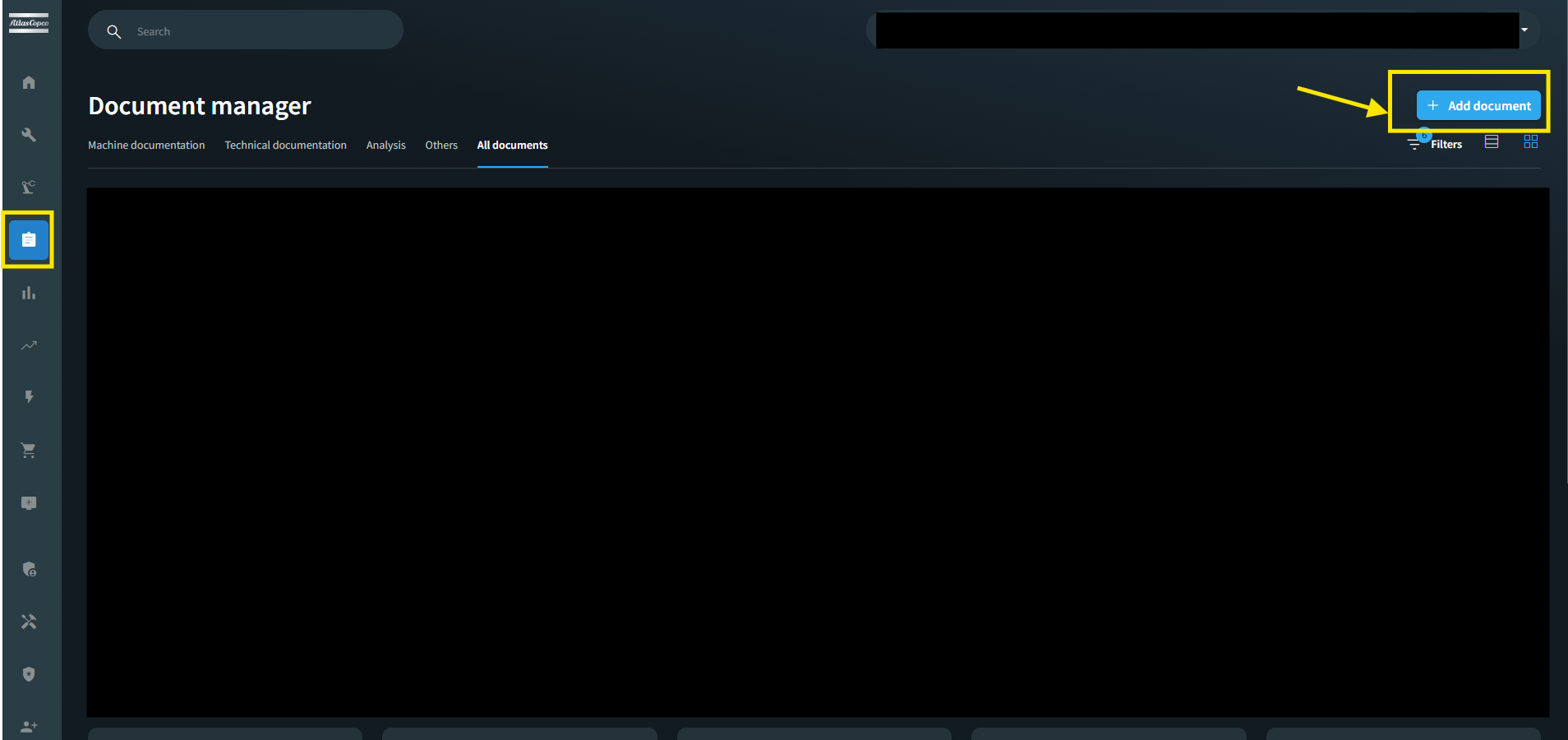
Document uploading is now available for all assets regardless of subscription type. Users can attach and manage documentation for any asset without license restrictions. This feature enables users to attach relevant documentation to assets that do not have a specific license, increasing the completeness and usefulness of asset records. Allowing this upload will improve documentation coverage and user experience.
Improvements
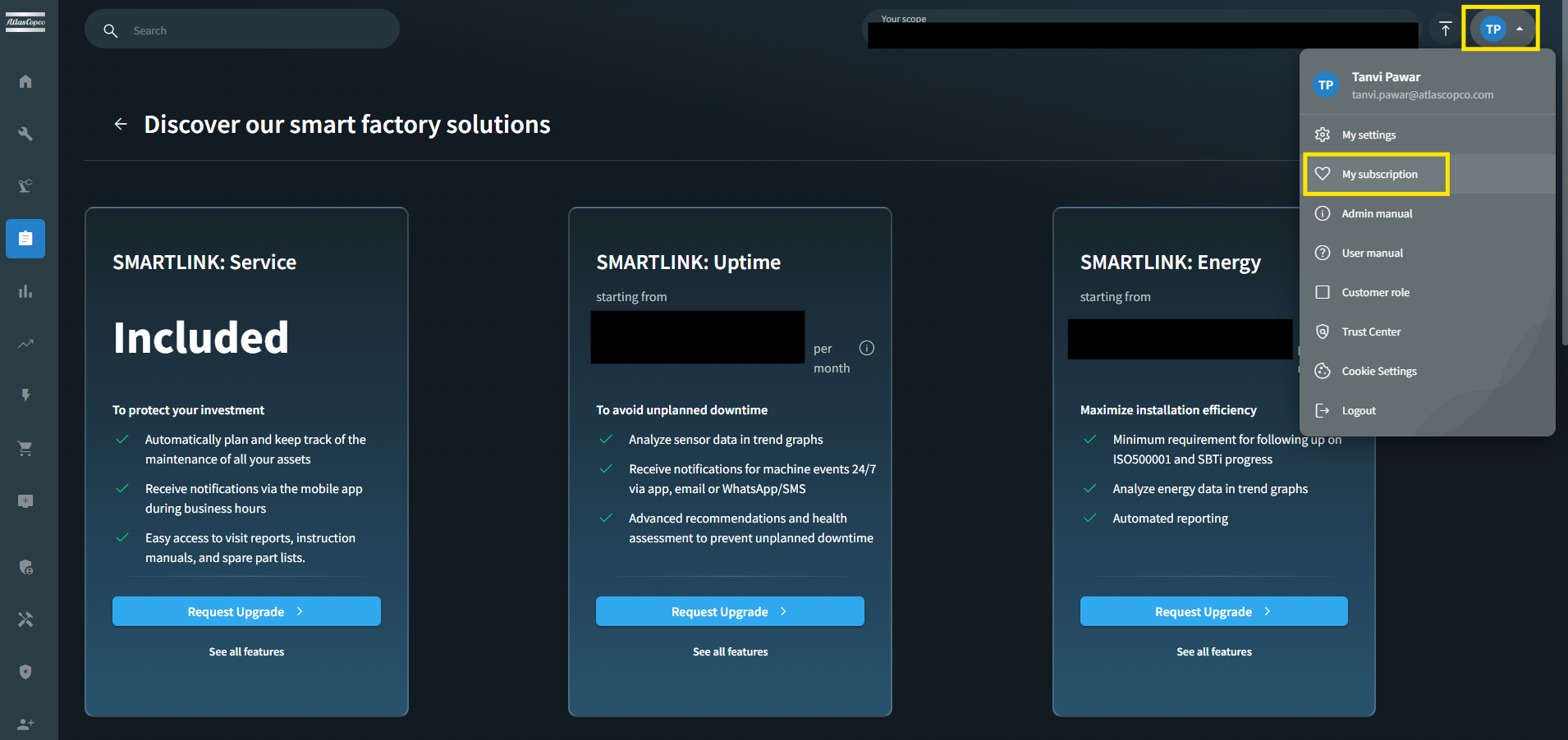
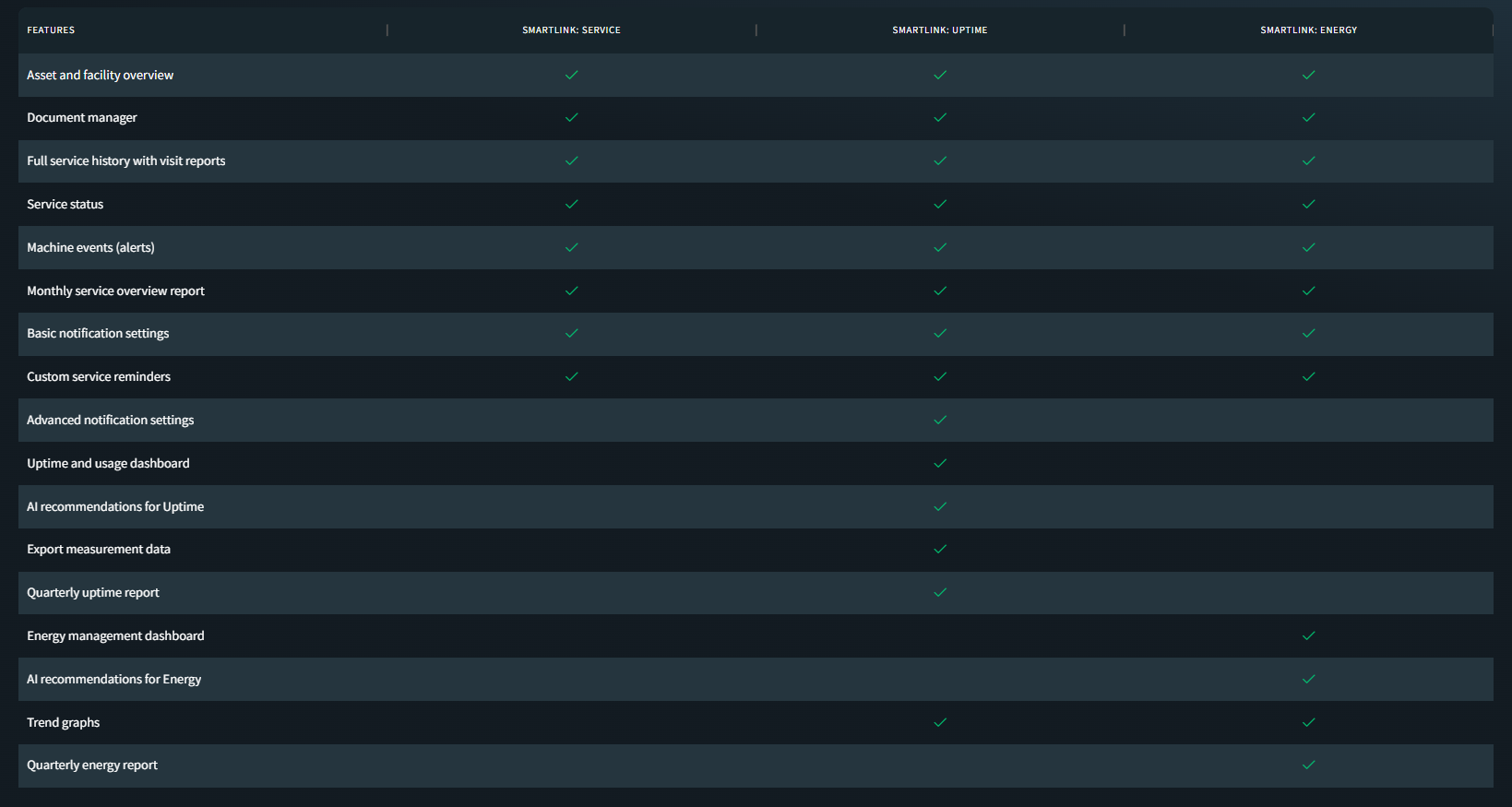
The subscription overview page has been refreshed to accurately reflect the latest available features across all subscription tiers — Smartlink Service, Smartlink Uptime, and Smartlink Energy. Feature names have been updated for clarity (e.g., "Machine Events" replaces "Basic Events," "Advanced Notification Settings" replaces "Advanced Notifications"), and the matrix now aligns with the information presented on the public website and the actual backend configuration. This ensures users have a consistent and transparent view of what each subscription includes.
Bugfixes
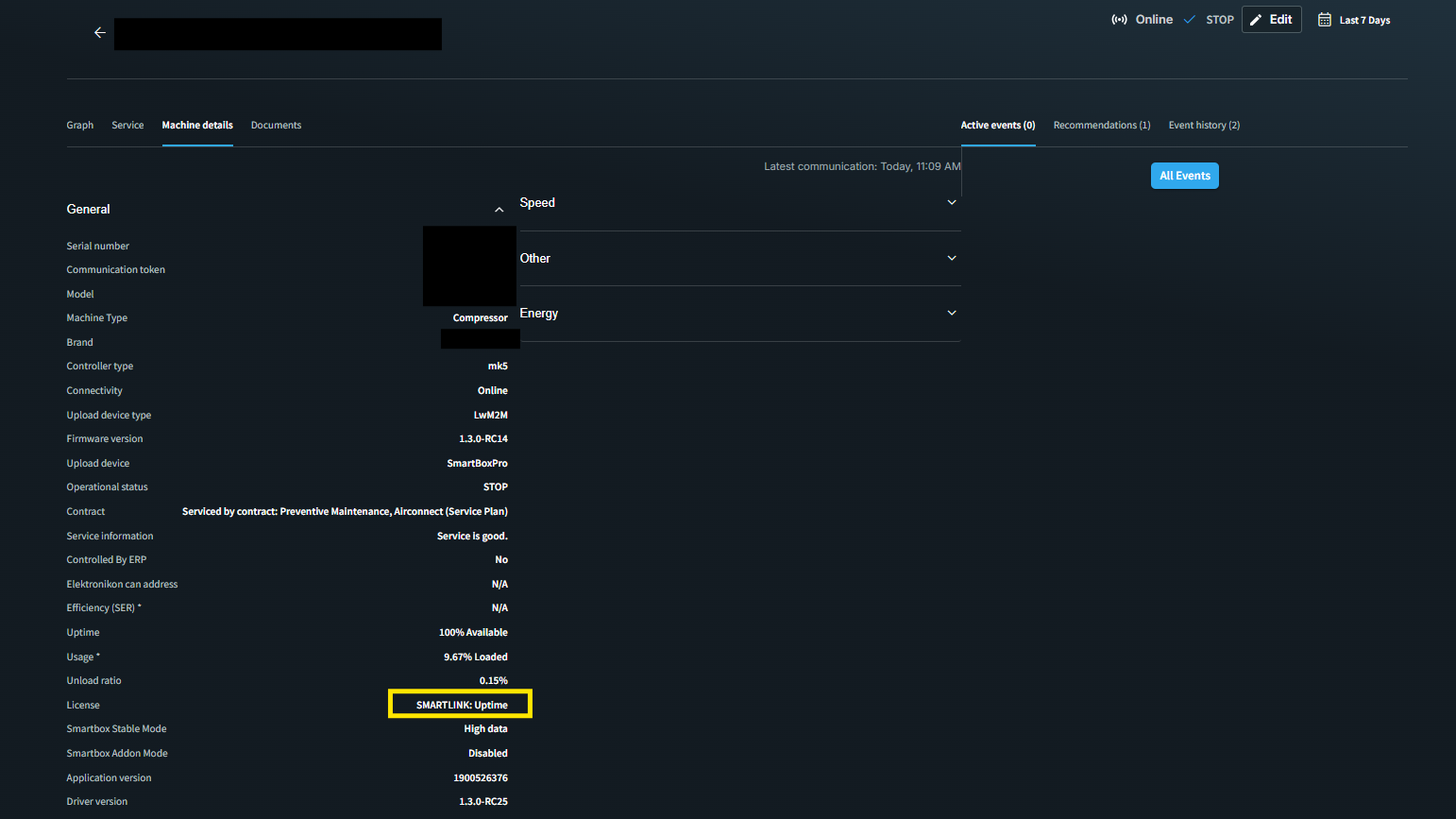
The license information under Machine Details → General → License now correctly displays each license once. Previously, licenses could appear multiple times on the machine overview, leading to a cluttered and confusing view. This has been corrected to ensure a clean and accurate representation of all active licenses associated with a machine.
Machines that are transferred to a different organization are now automatically removed from their previous notification groups. Earlier, transferred machines could remain linked to their former notification groups, causing recipients to continue receiving irrelevant notifications for machines no longer under their scope. This update ensures notification groups stay accurate and up to date, so users only receive alerts for machines that belong to their organization.
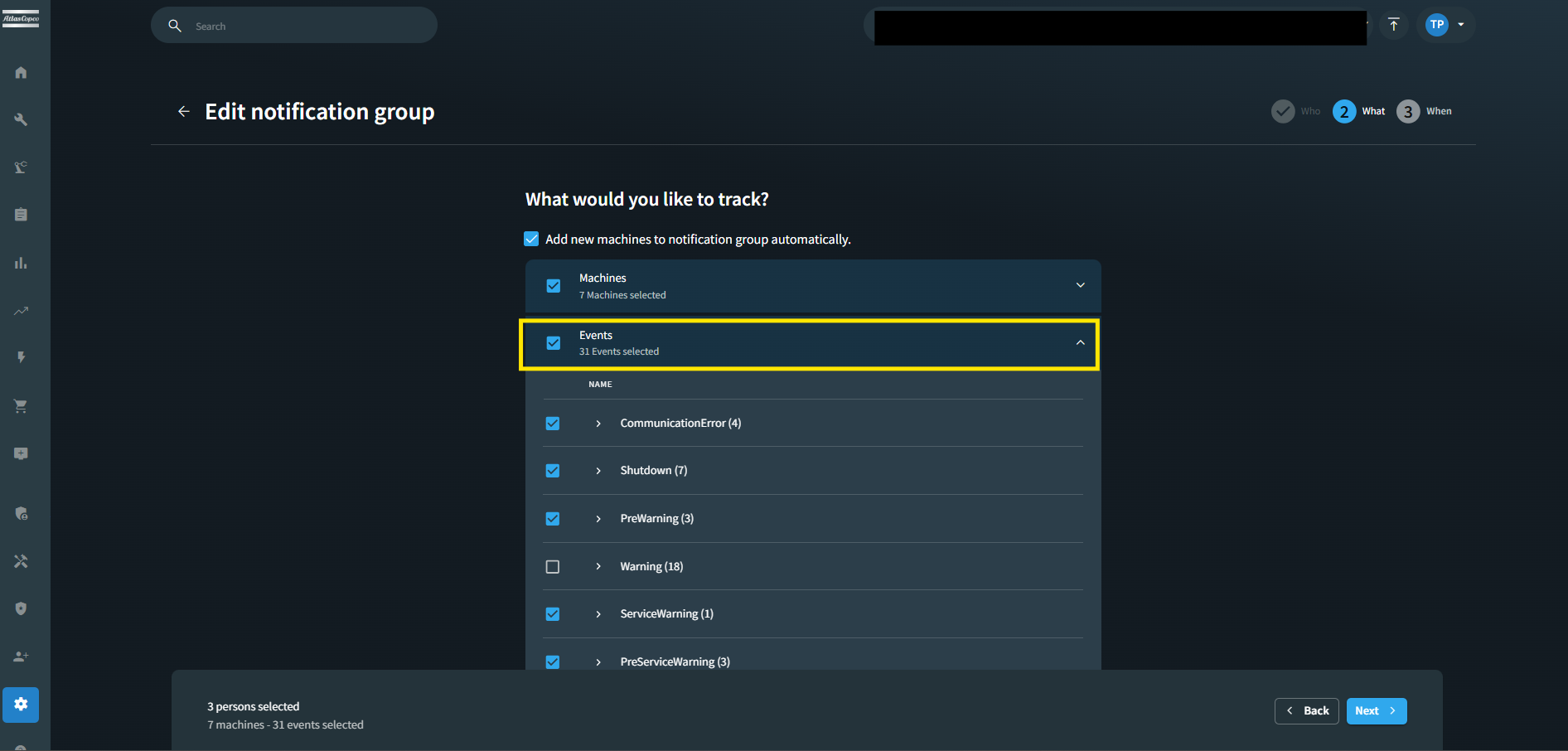
Editing events within a notification group now works reliably for all user roles. Previously, users without full notification permissions could encounter an error when attempting to expand and view the events section while editing a notification group. This has been resolved, and all authorized users can now seamlessly view and configure notification events as expected. To edit the notification group go to My Settings → Company Notifications → Click on Edit Event → Open the second Page → Expand the Event.
Deprecations
NA