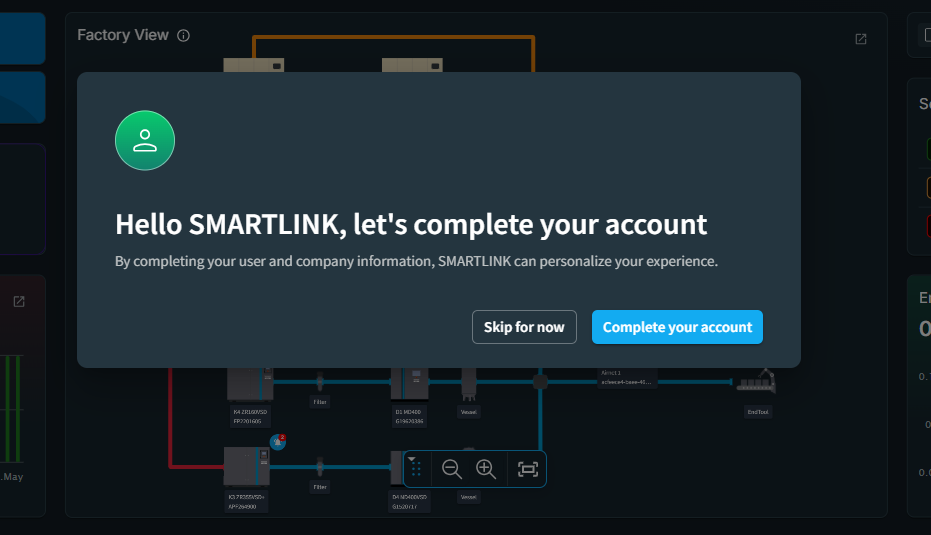
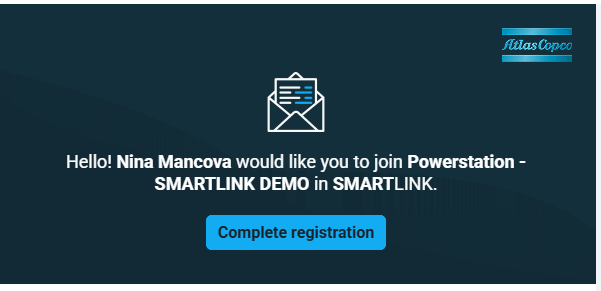
Step 1
Go to the inbox of your email account and click on COMPLETE REGISTRATION.
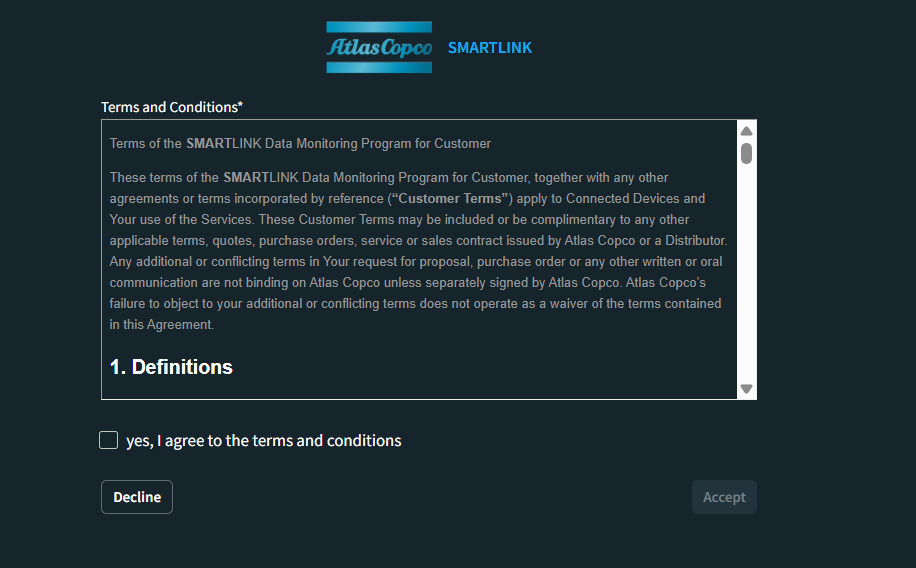
Step 2
Agree to and accept the terms and conditions.
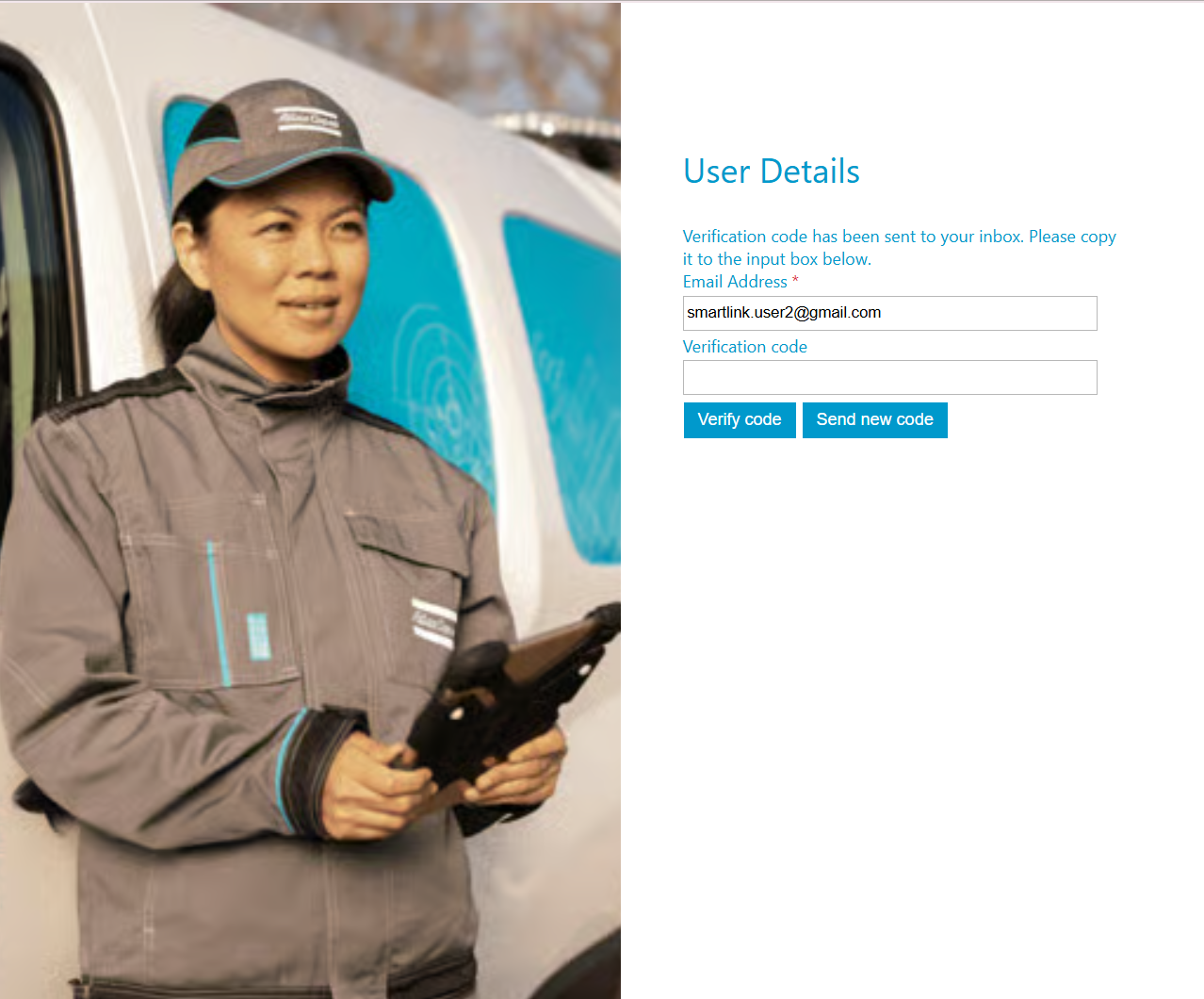
Step 3
Enter the verification code that has been sent to your E-mail and click on "Verify code"
Step 4
After your E-mail address has been verified, click "Continue"

Step 5
Fill in your user details and click in "Create"

Step 6
Choose your preferred verification method, then enter the code sent to you via SMS or generated by your Authenticator app.

Step 7
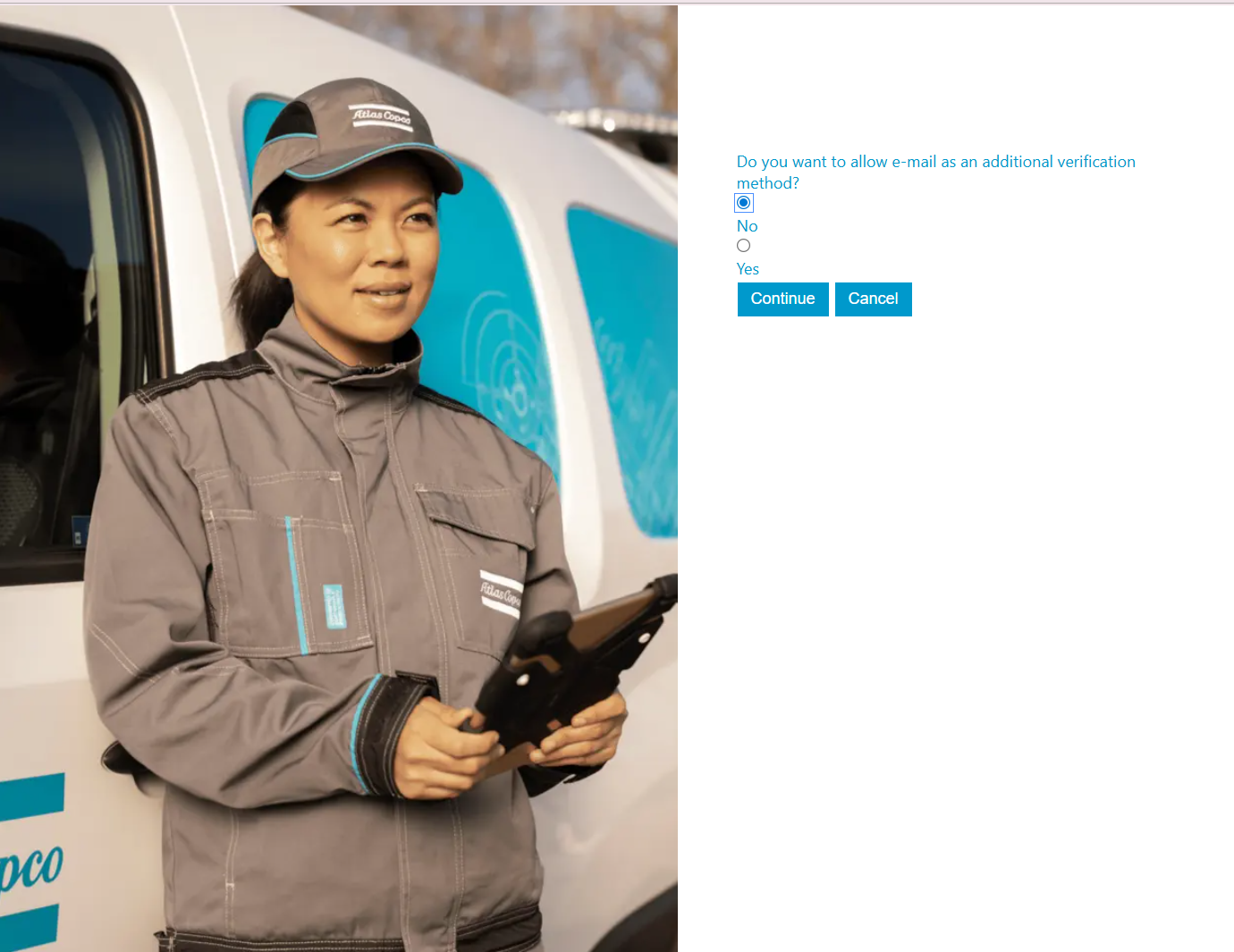
Choose if your want to allow e-mail as an additional verification method
Step 8
Log in to SMARTLINK

Step 9
Complete your account and you're done!